Any routine, run hands free
Build a routine once, then follow it with a giant next button, colour cues and a voice that reads each step. Made for physiotherapy plans, mobility, stretching and anything you repeat.
Try one free while you wait: the full body stretch routine runs right in your browser.
Step 4 of 9
Hip flexor hold
30 seconds each side
Build it once
Add steps, holds and rests. Group them into supersets when they should repeat together. Set the reps and rounds.
Run it hands free
One giant next button fills the screen. A voice reads each step and haptics mark every change, so you can keep your eyes off the phone.
Yours and offline
Your routines, history and settings stay on your device. Back up or share any routine as a file.
No fixed shape. Arrange it however your routine runs.
Add rep steps with sets and reps, a timed hold with your own note, or a simple task step. Attach a photo or looping video to any step.
- Supersets group steps to repeat together
- Share a routine as a file, import one back
Hip flexor hold
Timed hold · 30s each side
Glute bridge superset
Superset · 3 rounds
Band pull-apart
Rep step · 3 sets × 15
Foam roll quads
Task step · no timer
Calf stretch
Timed hold · 45s each side
The whole screen changes colour as you move through the routine.
So you always know where you are, without reading a thing.
Hip flexor
30s each side
Glute bridge
Round 2 of 3
Breathe
15 seconds
Foam roll
No timer
Spoken steps
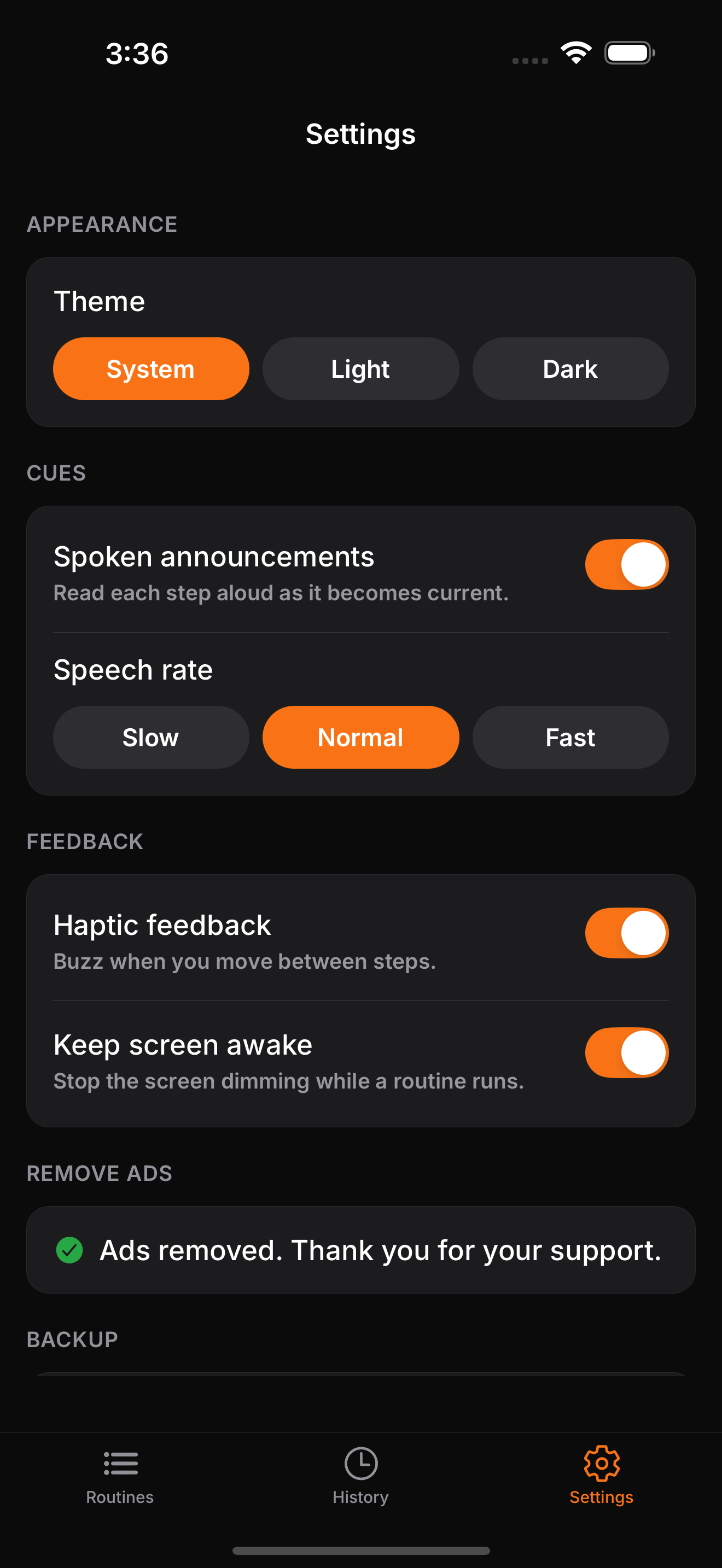
A voice reads each step out loud as it arrives. Set the speech rate to slow, normal or fast.
Haptics and keep awake
A buzz marks every change and the screen stays awake for the whole session.
Swipe or tap
Swipe left to move on and right to go back, or use the buttons. The step follows your finger.
Library, builder, execution, history and settings.
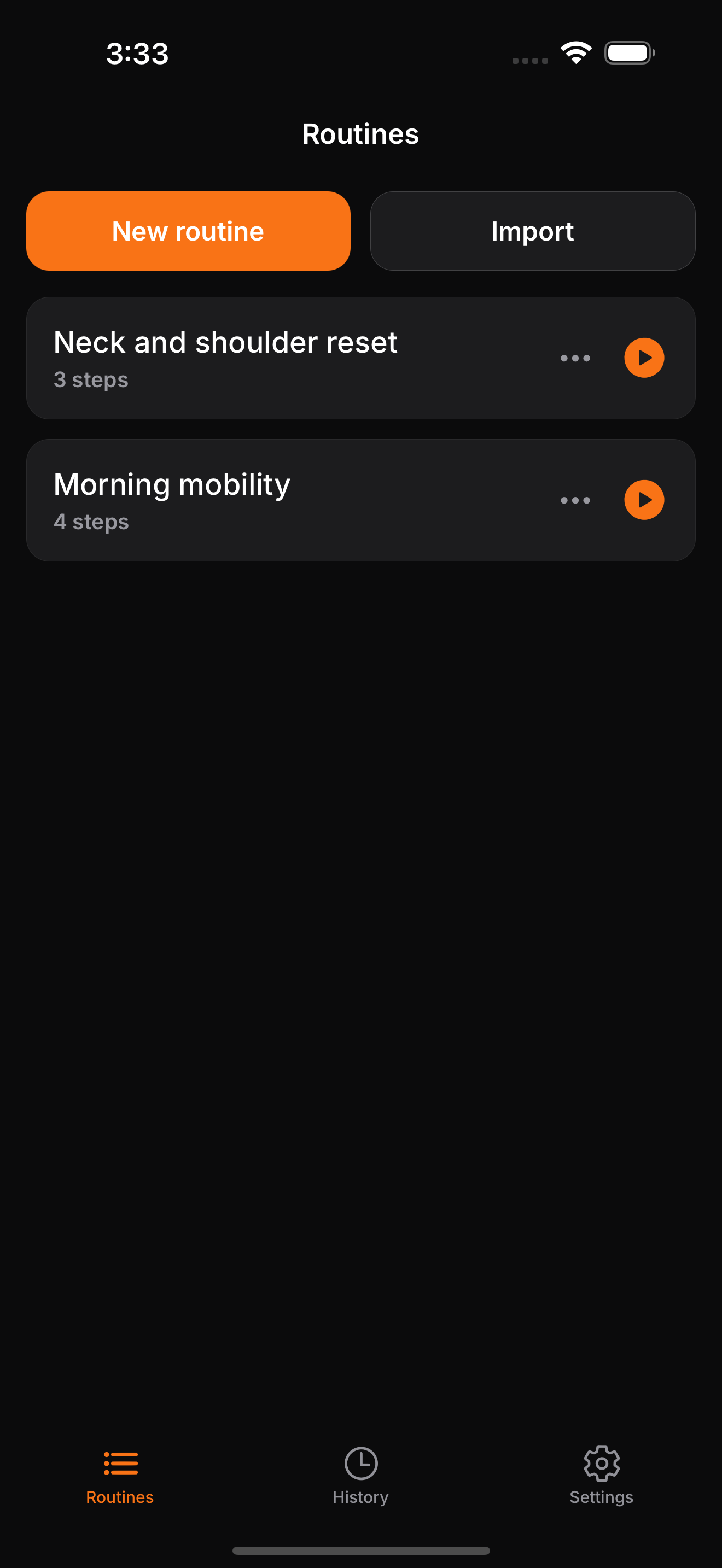
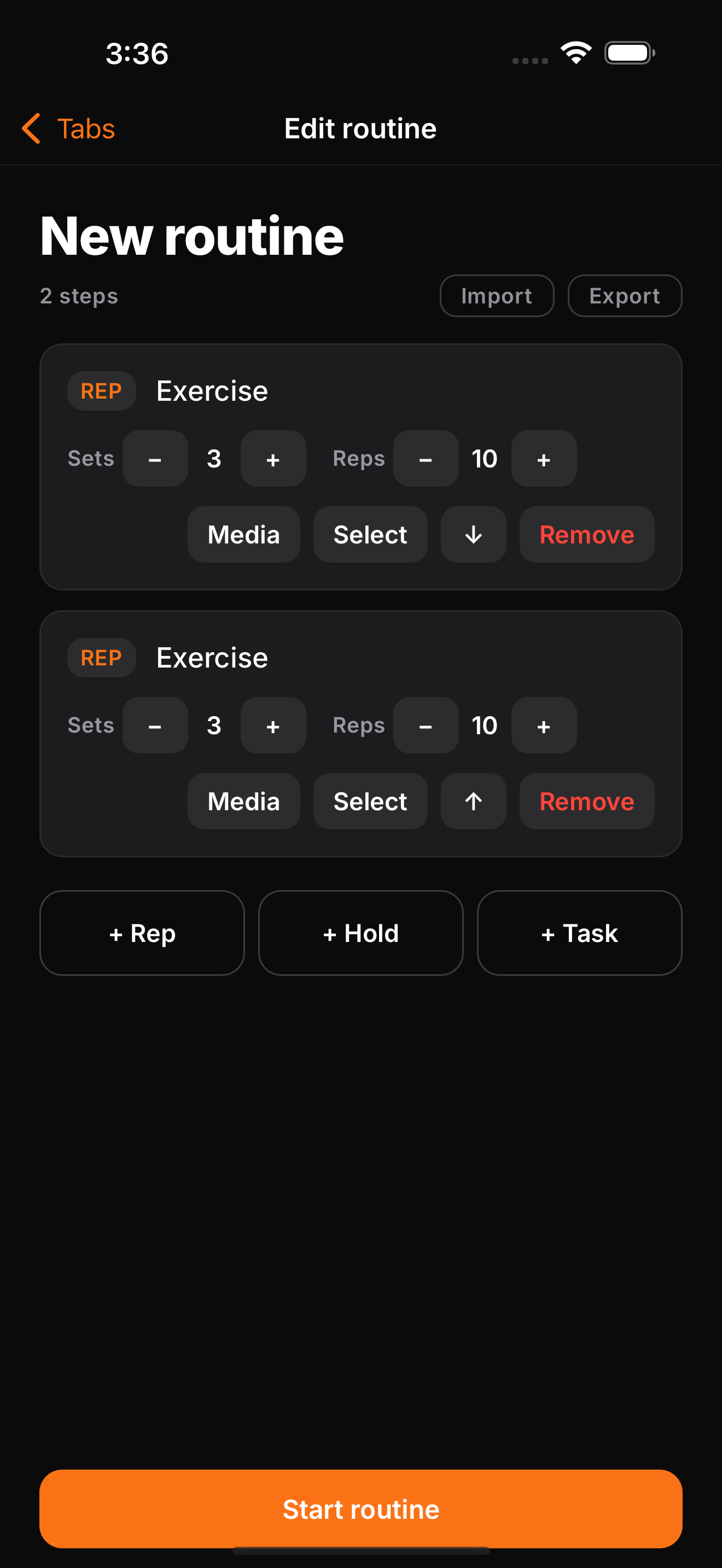
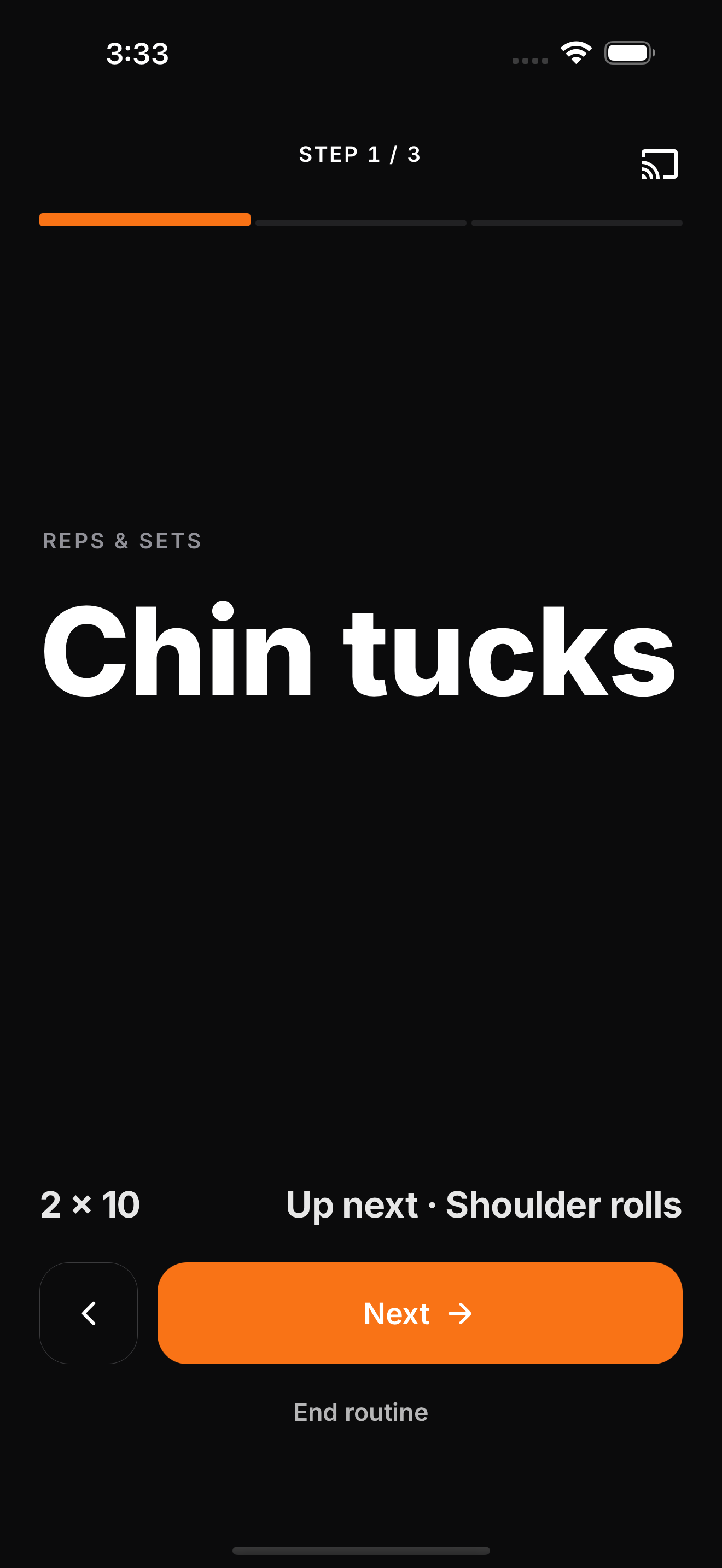
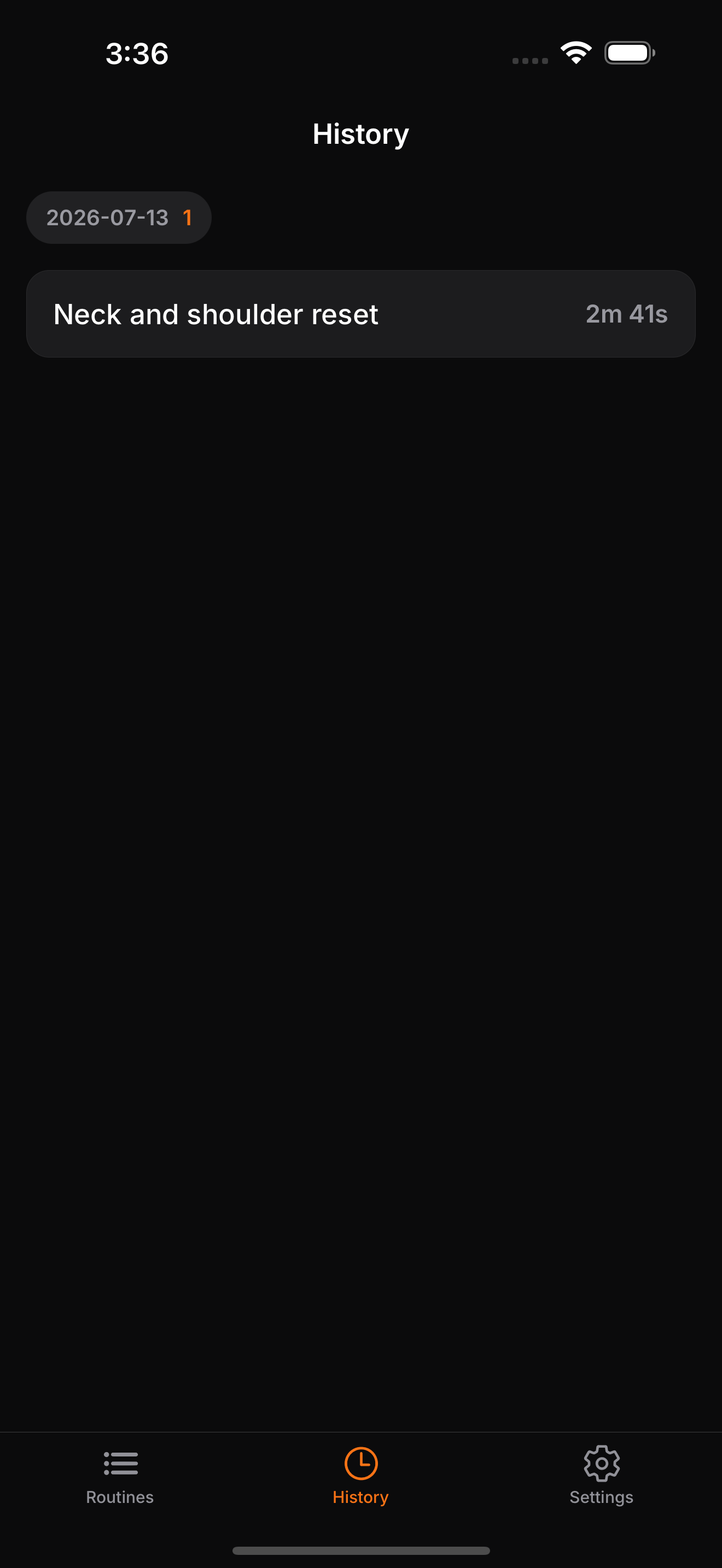
Look back on what you have done.
History
Every finished session is saved with its routine and time. Day pills group them so you can see your streak.
iCloud backup
Back up your whole library, history and settings to your private iCloud, then restore on a new phone. Your media never leaves the device.
Automatic backups
Turn on a rolling backup that keeps itself up to date in the background.
Light and dark
System, light or dark theme. The whole app re-themes the moment you switch.
Send the current step to a bigger screen.
Chromecast, Google TV, or a wired HDMI or USB-C adapter. Your phone runs the session while the big screen mirrors it and stays in step.
Calf stretch
Step 6 of 9 · 45 seconds each side
Download and use everything for free.
Free
£0
The full app, ad supported. Build and run any routine, with no account and nothing locked away.
Remove ads
£9.99 once
A single purchase clears every ad for good. No subscription and nothing else changes.
Coming soon to iOS and Android.
From the makers of STRNTH. Build and run any routine, hands free.